Skip to content
Step 1 – Open the Design
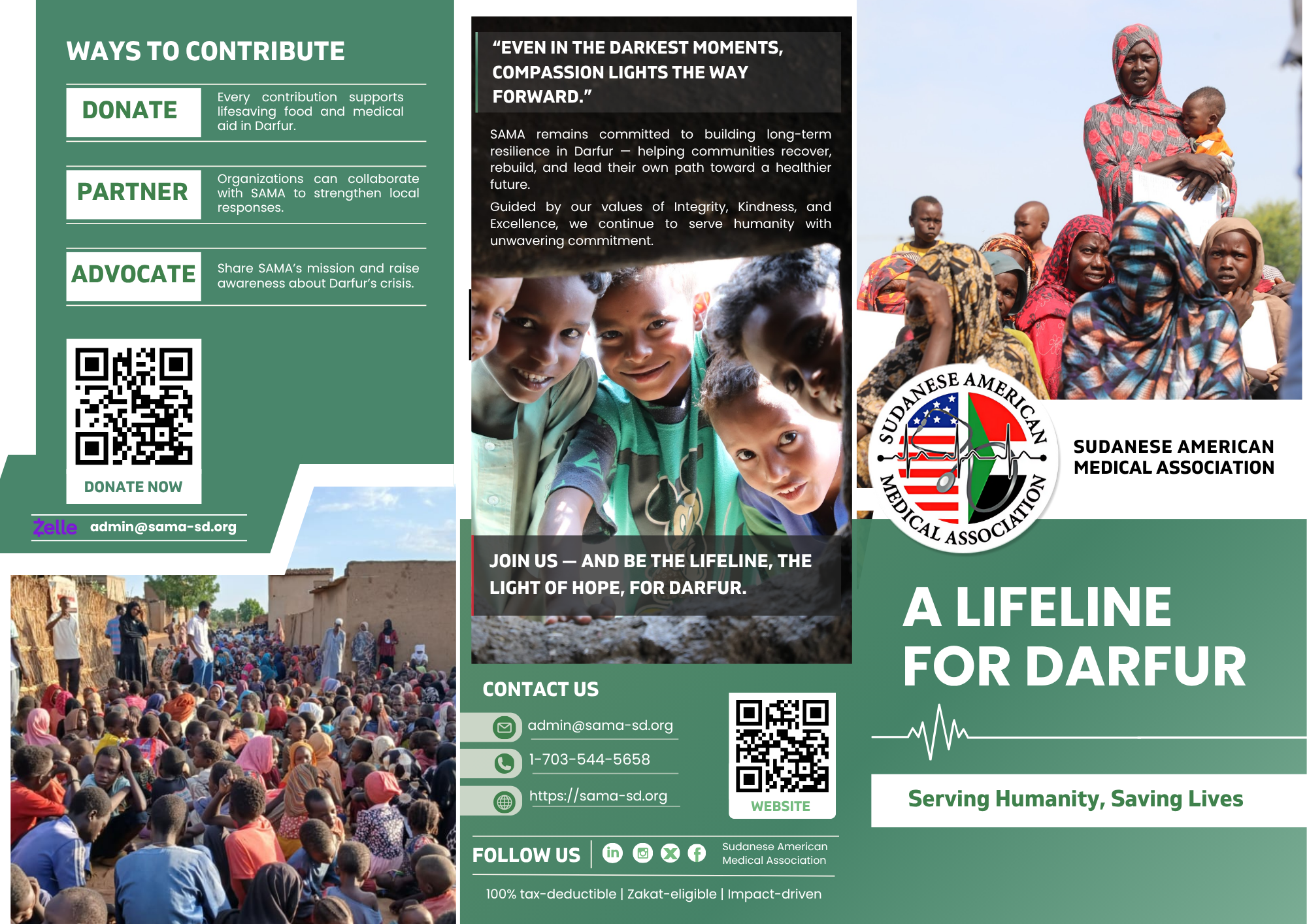
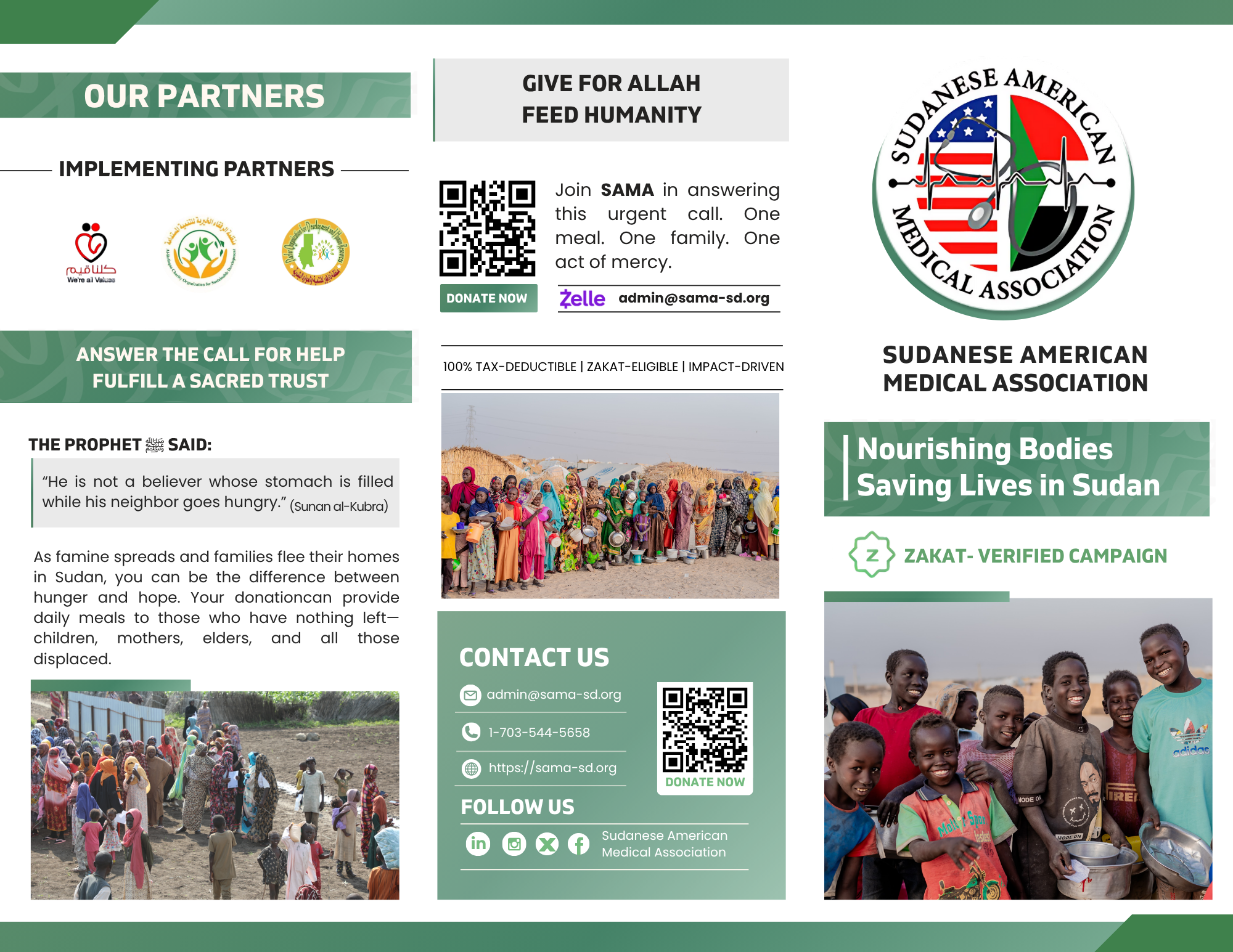
- Click on the brochure design above
- The file will open in view-only mode.
Step 2 – Print with Canva
- On the top bar, next to the “Share” button, click “Print with Canva.”(This will take you directly to Canva’s printing options.
- If you don’t see it: click the “Share” button, and you’ll find the “Print with Canva” option in the dropdown.
Step 3 – Product Catalog
- From Canva’s print catalog, choose “Tri-fold Brochure.”
- This ensures your fundraiser design is printed in the correct brochure format.
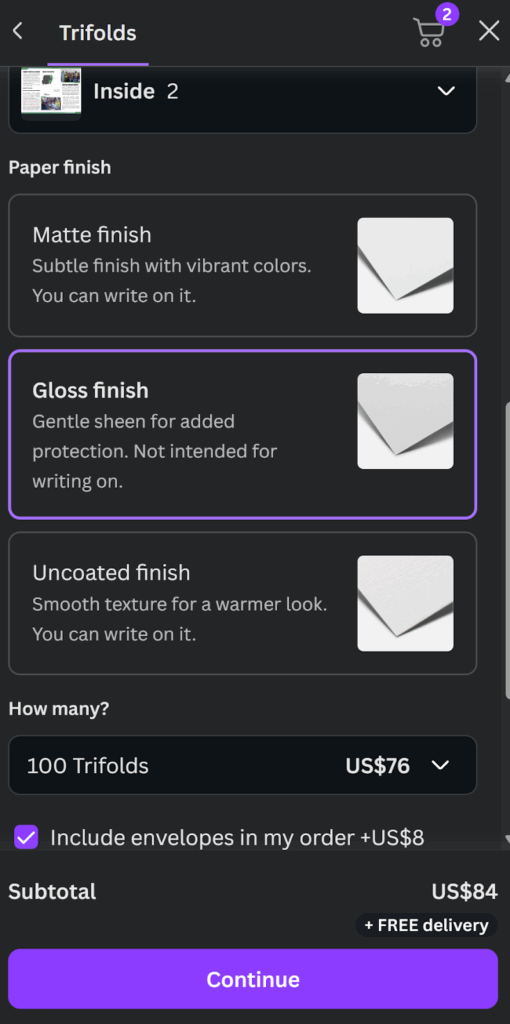
Step 4 – Select Paper Finish & Quantity
- Choose your preferred paper finish:
- Gloss finish: Gentle sheen, extra protection, not intended for writing.
- Select you’re preferred quantity (e.g., 100 brochures).
- Optional: Tick the box if you’d like to include envelopes in your order (+$8)
- Click continue
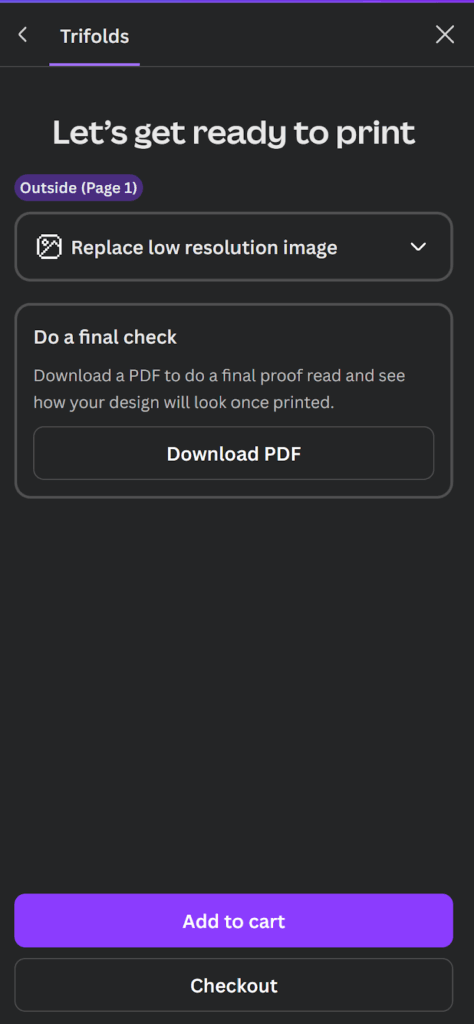
Step 5 – add to cart and proceed to checkout