
Step 1 – Open the Design
- Click on the banner design link here.
- The file will open in view-only mode.
Step 2 – Print with Canva
- On the top bar, next to the “Share” button, click “Print with Canva.”(This will take you directly to Canva’s printing options.)
- If you don’t see it: click the “Share” button, and you’ll find the “Print with Canva” option in the dropdown.
Step 3 – Product Catalog
- From Canva’s print catalog, choose “Retractable banner.”
- This ensures your fundraiser design is printed in the correct banner format.
Step 4 – Select Size
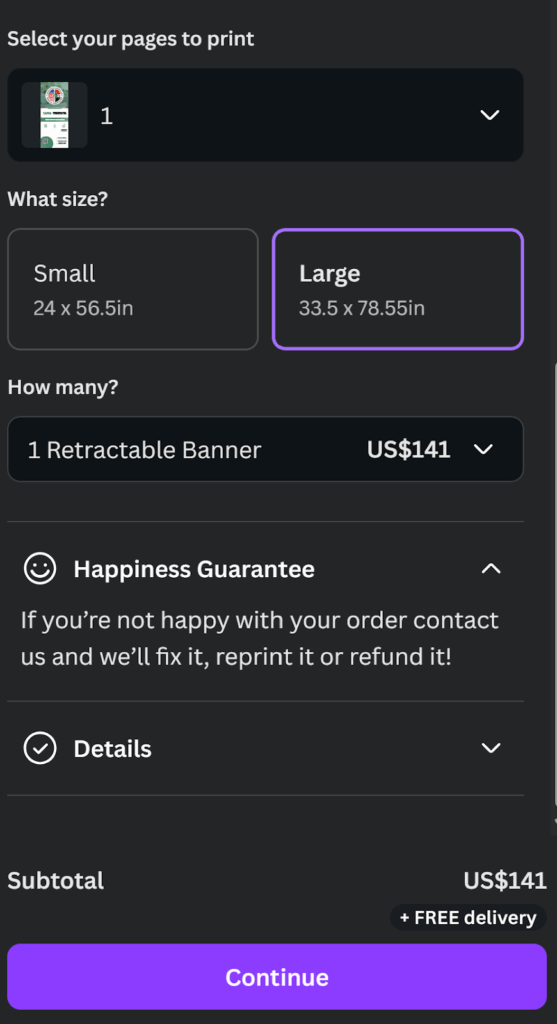
Step 5 – Add to Cart & Checkout
Click Continue, then Add to Cart and proceed to checkout